Terrain Creation in Gaea
This is about terrain creation using Gaea. The terrain can be art directed using different kinds of nodes. You will start by making first the main shape of your terrain. For example you want to create a slope terrain. After you have established the main shape you can now add erosion. Erosion nodes deals with how long and how your terrain encounter weathering. This node has the option to adjust time, add more sediments, adjust the downcutting and thermal which adds cracks.
Depending on your CPU it is Intuitive easy and fast just keep your resolution at 512 pixels. But effects on the terrain changes when you change the viewport resolution. So keep that in mind.
Gaea is not a rendering software. It has the ability to render real-time to preview how your terrain looks while tweaking your Nodes attributes. The main use is to model, mix and art direct your terrain then when your happy with the result you may export out the texture height map and masks and the mesh.
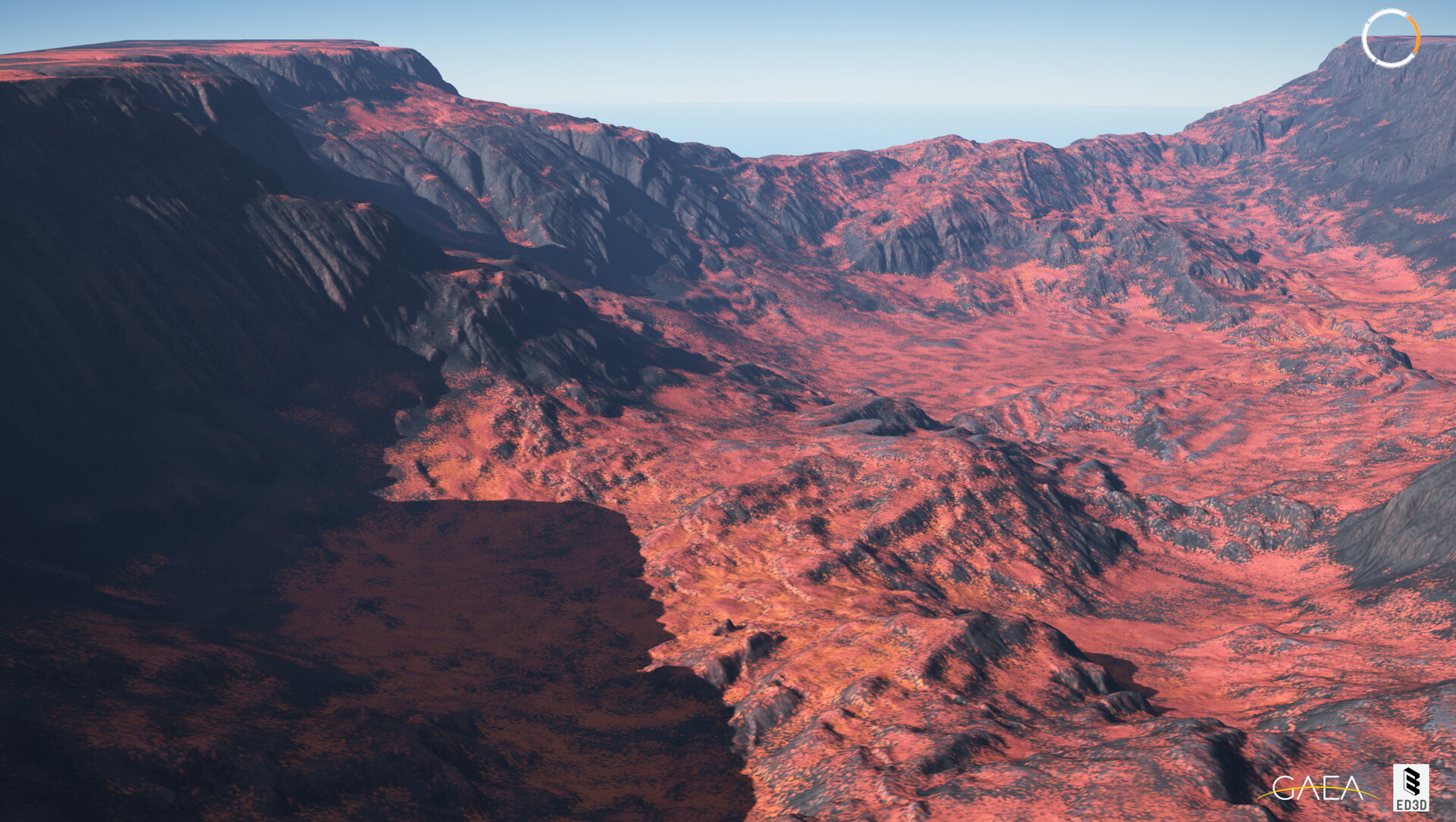


Clear Sky

With Haze


No Sky
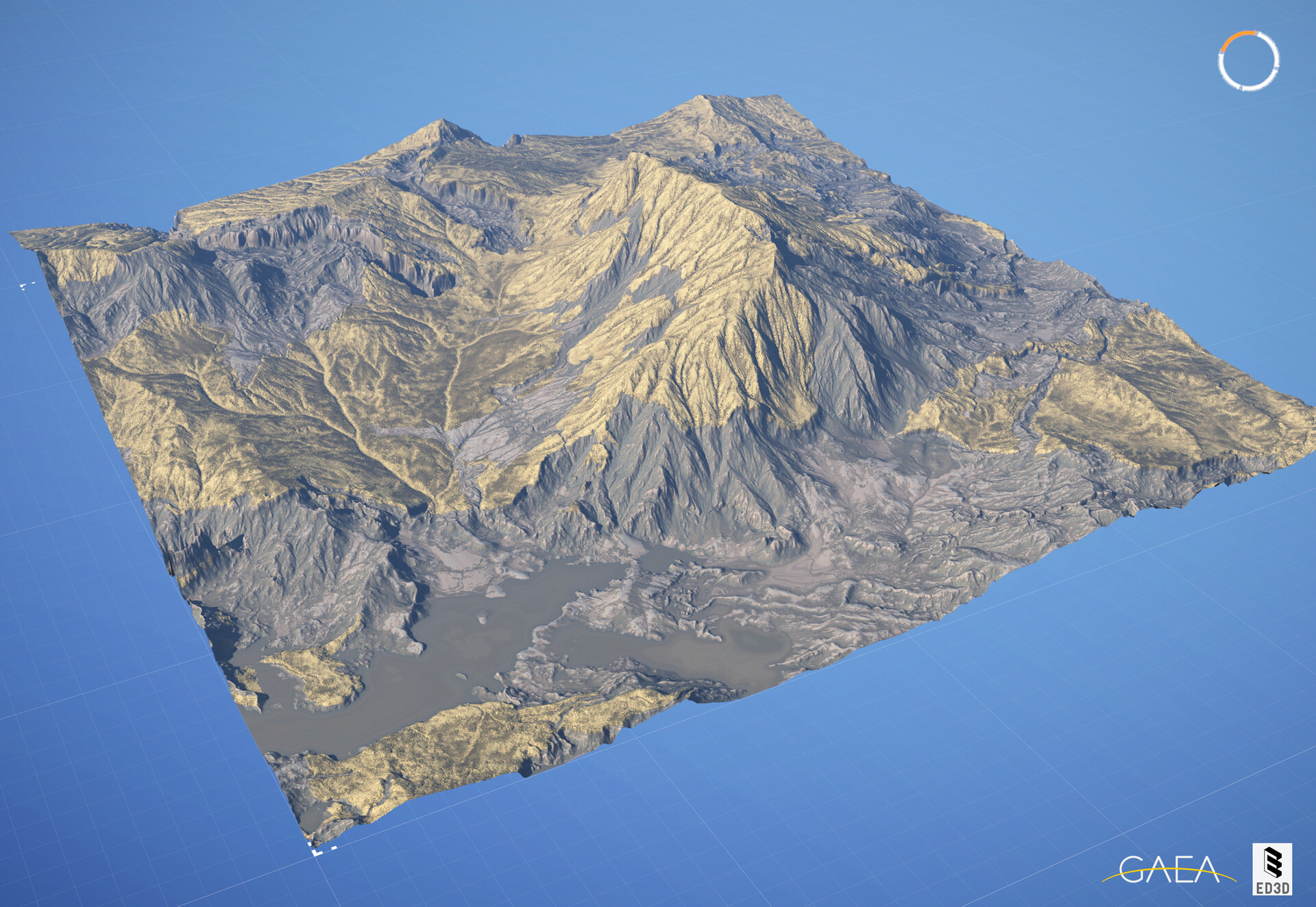
With Sky

Side View

Back View